


DeepSeek: A New Era of Open-Source AI and Its Impact on ALN & EdTech

In the ever-evolving world of AI, a new player has entered the scene—DeepSeek, an open-source large language model (LLM) that brings powerful AI capabilities to local devices. Unlike cloud-based AI, which requires internet access and external servers, DeepSeek can run locally, offering greater privacy, control, and accessibility.

For families, educators, and students navigating Additional Learning Needs (ALN), this could be a game-changer. Imagine AI tools that support learning without relying on external servers, ensuring consistent access, data security, and personalised experiences. In this post, we’ll explore how DeepSeek’s open-source, locally-run AI could shape the future of EdTech and ALN support.


What is DeepSeek?

DeepSeek is an open-source AI model designed to function without needing a constant internet connection. Unlike proprietary AI models locked behind paywalls or cloud services, DeepSeek can be downloaded and used directly on personal devices.

Why is this important?

Greater Privacy – No data is sent to external servers, making it a safer option for schools and families.

Accessibility Anywhere – AI-powered support doesn’t vanish if Wi-Fi is unavailable.

Customisation & Control – Open-source models can be tailored to meet specific educational needs.

Lower Costs – Reduces reliance on expensive cloud-based AI subscriptions.


This shift aligns perfectly with the needs of ALN students, whose learning environments often require customised, secure, and always-available support.


The Impact of Local AI on ALN & EdTech

1. AI Support Without Internet Dependency

One of the biggest hurdles in EdTech today is internet access. While cloud-based AI tools like ChatGPT, Grammarly, or Speechify offer incredible support, they require a stable connection.

With DeepSeek, AI assistance could be always available, even in schools with strict IT restrictions, rural areas with poor connectivity, or homes where internet access is limited.

For ALN students, speech-to-text, reading assistants, and personalised tutoring AI could work offline, reducing interruptions in learning.


2. Enhanced Privacy & Security for ALN Students

For children with ALN, AI can be a personal learning companion, helping with:

Speech development (text-to-speech, AI-driven communication tools)

Executive function (organizing tasks, reminders, and step-by-step guidance)

Reading & Writing support (AI-powered reading assistants, grammar correction)


But with most AI tools today, student data is sent to cloud servers—raising concerns about privacy.

With DeepSeek running locally, personal learning data stays on the device. This means:
✅ No risk of external data breaches
✅ Compliance with school privacy regulations (GDPR, COPPA, etc.)
✅ Parents & educators maintain full control over how AI interacts with students

This could revolutionise how AI is integrated into education, therapy, and home learning environments.


3. Customisable AI for Individual Learning Needs

Because DeepSeek is open-source, it’s not a one-size-fits-all tool. Developers and educators can:

Modify the AI to cater to specific ALN needs

Create AI tutors with specialised support (e.g., an AI that explains math in different ways until a student understands)

Train the model on accessible language for neurodiverse students


Instead of relying on generalised AI responses, ALN educators could fine-tune DeepSeek to match their students’ learning styles.


4. Lower Costs for Families & Schools

Most AI-powered EdTech tools require subscriptions, often making them inaccessible to lower-income families and underfunded schools.

Since DeepSeek is open-source and runs locally, there are no ongoing fees—just the initial setup on a device.

This means schools and parents could:

Provide AI support for students at no extra cost

Reduce reliance on expensive cloud AI services

Ensure all students have access to AI-powered learning, regardless of financial background


For ALN students who often need extra resources, this could bridge the educational gap.


The Future: A New Wave of AI for ALN & EdTech

DeepSeek marks the beginning of a new era in AI—one that prioritises privacy, accessibility, and customization.

Imagine a future where:
🌱 Students with dyslexia have an AI reading coach that works offline.
🌱 Children with ADHD use an AI-powered planner that never loses internet connection.
🌱 Non-verbal students communicate through a local AI chatbot, with no risk of data leaks.

By embracing open-source, local AI, we can build truly inclusive, safe, and accessible educational tools that adapt to every learner’s needs—not the other way around.


Final Thoughts: Is DeepSeek the Future of ALN-Friendly AI?

While cloud-based AI will always have its place, DeepSeek offers a crucial alternative—one that prioritizes offline access, security, and adaptability.

For families, educators, and developers in the ALN and EdTech space, this could be the start of something revolutionary.


💡 What do you think? Could local AI like DeepSeek change the way we approach learning and accessibility? Let’s chat in the comments!
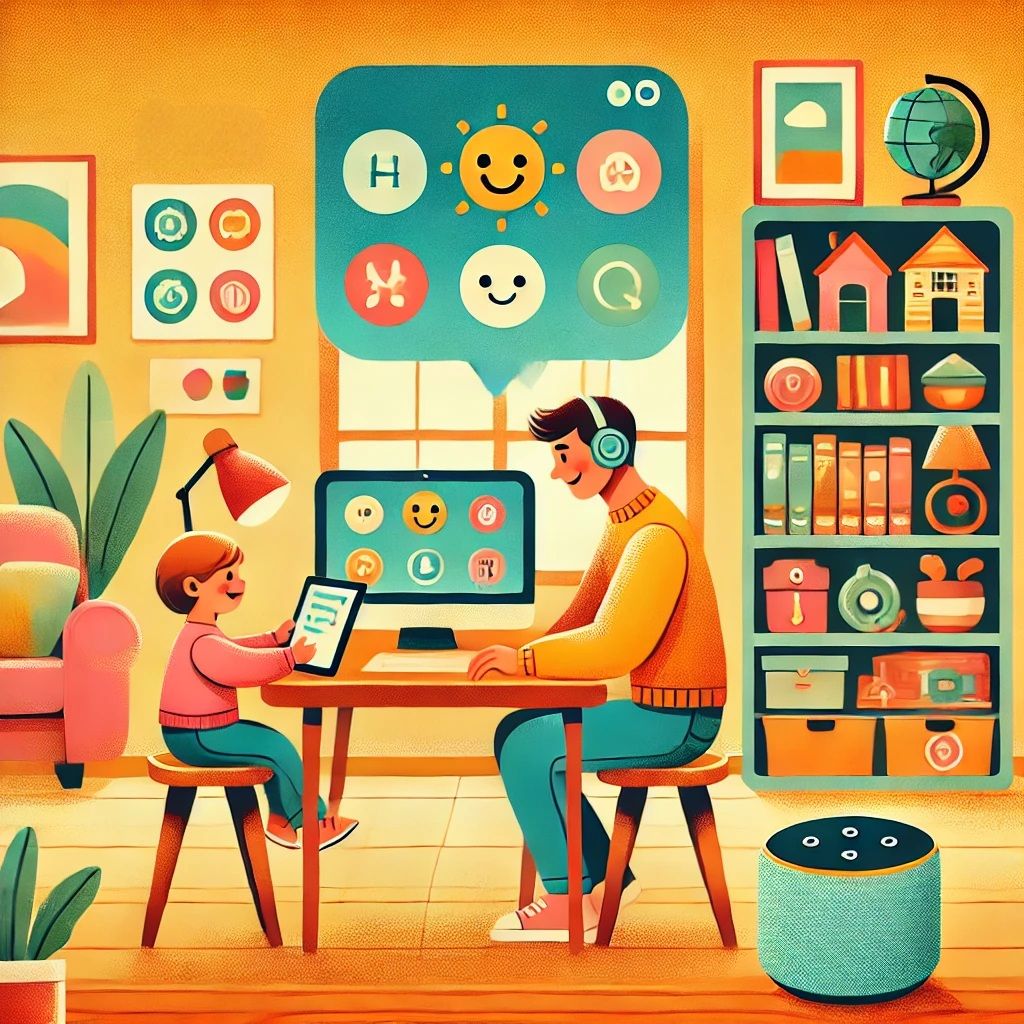
Starting Small: Simple Tech Strategies to Support ALN Families

Navigating the world of technology as a parent can feel like standing at the edge of a vast ocean—exciting, but where do you even begin? The good news? You don’t need to dive straight into the deep end. Sometimes, it’s the small, simple tools you already know and love that can create the biggest waves of change. Here’s how to start.


1. Google Keep: Turning Chaos into Colourful Calm

Got a hectic schedule that makes your head spin? Google Keep is like a virtual organiser, but friendlier and bursting with colour. It’s perfect for visually organising tasks and routines, making it a fantastic tool for children with ALN.

I am an everyday user of Keep notes. Squirrelling away all those little snippets of information that don’t really fit anywhere else. Ranging from Switch Port numbers that I’ve used in work to Interesting Minecraft Coordinates, or even listing what I’ve ordered from the local take away, so when I fancy trying something new I don’t order the same again. Google Keep is the true little notepad that we all used to keep on our desks.

Standout Features:

Create colour-coded visual schedules.

Add checklists for everyday tasks (e.g., packing school bags).

Sync across devices to keep everyone in the loop.

Set reminders for time-sensitive tasks.


Imagine this: a neat checklist reminding your child to pack their PE kit or a vibrant, visual schedule breaking down the morning routine. It’s all there—no more “Wait, did we miss swimming lessons?” moments!


2. YouTube Kids: Where Fun Meets Learning

Who knew screen time could be so smart? YouTube Kids is a treasure trove for little learners. It offers a safe, curated environment for kids to explore content that educates and entertains.

Standout Features:

Kid-friendly educational videos on a variety of topics.

Sensory videos and calming content for relaxation.

Guided meditation or bedtime stories for unwinding.

Robust parental controls to customise content access.


Picture this: your child mesmerised by a video explaining the water cycle or giggling at calming sensory clips before bedtime. And for those quieter moments? Pop on a guided relaxation video—it’s like a hug for their mind.


3. Siri, Alexa or Google Assistant: Your Friendly Digital Ally

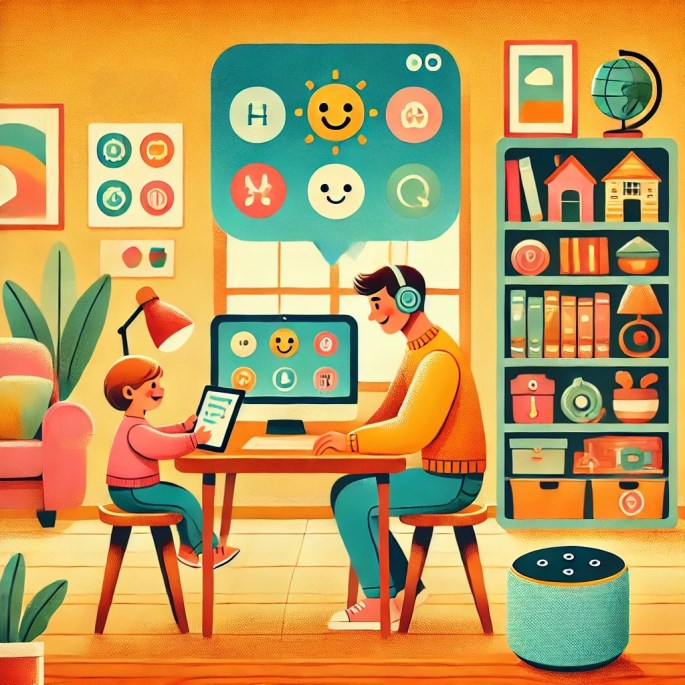
Smart assistants aren’t just for playing tunes or telling you the weather. They can be game-changers for ALN families, bringing structure and interaction into daily life.

Standout Features:

Set routines for tasks like waking up, brushing teeth, or bedtime.

Interactive games to build vocabulary and cognitive skills.

Hands-free reminders for transitions or tasks.

Low-pressure communication practice for kids.


Imagine your child interacting with Alexa for a quick spelling game or using a morning routine where Alexa gently nudges them to get ready. It’s speech practice, organisation, and fun—all rolled into one.

As AI develops, they are becoming more personable & interactive, as mentioned in our previous blog post — How AI Became My Familys Unexpected Ally: Meet Jeremy
With the right prompting they can provide virtual companionship.


4. Calm and Headspace: Pocket-Sized Peace of Mind

Some days feel like a whirlwind, don’t they? These mindfulness apps help calm the storm, offering tools for emotional regulation and better sleep.

Standout Features:

Guided meditations designed for kids.

Sleep stories to create a soothing bedtime routine.

Breathing exercises for managing anxiety or sensory overload.

Easy-to-navigate interface for all ages.


Imagine your child finding solace in a three-minute meditation or drifting off to sleep with a magical bedtime story. These small moments of calm can make a world of difference.


5. Microsoft OneNote: A Digital Learning Hub

Microsoft OneNote is a free, flexible digital notebook that’s perfect for organising schoolwork, therapy notes, or even creative projects.

Standout Features:

Create sections for different subjects or routines.

Add pictures, audio clips, or videos for a multimodal approach.

Collaborate with teachers or therapists by sharing notes.

Accessible across devices for convenience.


OneNote turns chaos into structure. It’s like having an educational Swiss Army knife in your pocket.


6. Minecraft Education Edition: Learning Disguised as Play

Here’s a surprising twist: Minecraft isn’t just about building blocky castles or fending off creepers. Its Education Edition transforms the popular game into a powerhouse for learning.

Standout Features:

Collaborative projects to build teamwork and communication skills.

Custom lessons in coding, history, or science.

Problem-solving challenges disguised as gameplay.

Endless creative opportunities to spark imagination.


Even the standard version offers incredible benefits for kids, allowing them to practice planning, spatial awareness, and creativity—all while having a blast.
For more information about Minecraft, please check out our previous blog post– Unlocking potential with Minecraft how the blocky world supports ALN and beyond


7. Canva: Creativity Unleashed

For kids who think visually, Canva is like opening a magical art box. This graphic design tool inspires self-expression while supporting learning goals.

Standout Features:

Customisable templates for flashcards, visual schedules, or social stories.

Easy drag-and-drop tools for all skill levels.

Options for collaborative projects with parents or teachers.

A wide variety of free resources and graphics.


Want to create a social story about visiting the dentist? Done. Fancy designing colourful flashcards for maths? Easy. It’s creativity without limits.


8. Trello: Taming the To-Do List

Trello, known for its project management capabilities, is a fantastic tool for visually managing routines and responsibilities.

Standout Features:

Digital “boards” for organising tasks visually.

Drag-and-drop functionality for tracking progress.

Personalisation with photos, emojis, or colours.

A fun way to teach time management and organisation.


Think of it as a digital sticky-note wall but without the mess. Your child can move tasks from “To Do” to “Done” and feel a sense of accomplishment every step of the way.


9. Speechify: Reading Support, Simplified

For children who find reading a challenge, Speechify is a game-changing text-to-speech app that brings words to life.

Standout Features:

Converts text from books, PDFs, or websites into audio.

Customisable playback speed to suit your child’s pace.

Available across mobile and desktop platforms.

Encourages reading comprehension and confidence.


Imagine your child following along with a storybook as Speechify reads it aloud, boosting their understanding and enjoyment.

10. Microsoft Teams and Zoom: Connection and Social Learning

Video conferencing tools like Microsoft Teams and Zoom aren’t just for business meetings—they can be invaluable for ALN support, especially for fostering social interactions and remote learning.

Standout Features:

Virtual Playdates: Schedule online play sessions or social interactions with friends and family to build social skills.

One-on-One Learning: Use breakout rooms or private calls for focused tutoring or therapy sessions.

Interactive Learning: Share screens to make lessons more visual and engaging.

Consistency Across Platforms: Sync meetings and schedules, so everyone knows when and where to connect.


Imagine setting up a virtual study group where your child can work collaboratively on a project or using Zoom’s whiteboard feature for an interactive maths lesson. It’s an easy, accessible way to bring connection and education into your home.

Final Thoughts: Small Steps, Big Wins

Technology doesn’t need to be intimidating or expensive to make a difference. Sometimes, the tools we already use every day hold the keys to unlocking new possibilities for ALN families. Experiment with one tool, see what clicks, and build from there. After all, even the tiniest steps can lead to the biggest smiles.

What’s your go-to tech tip for making life a little easier? Share your stories in the comments—I’d love to hear them!

Navigating the Digital Maze: A Guide to Website Authenticity for ALN Families

Navigating the Digital Maze

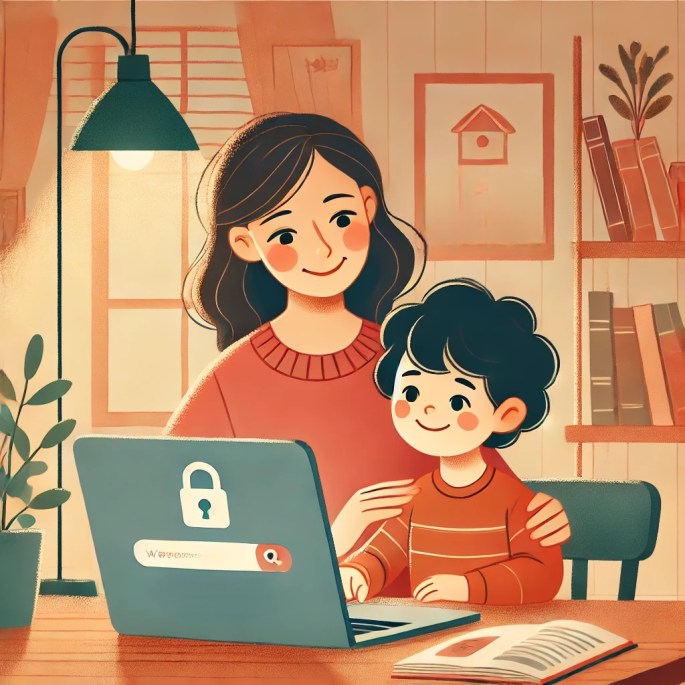
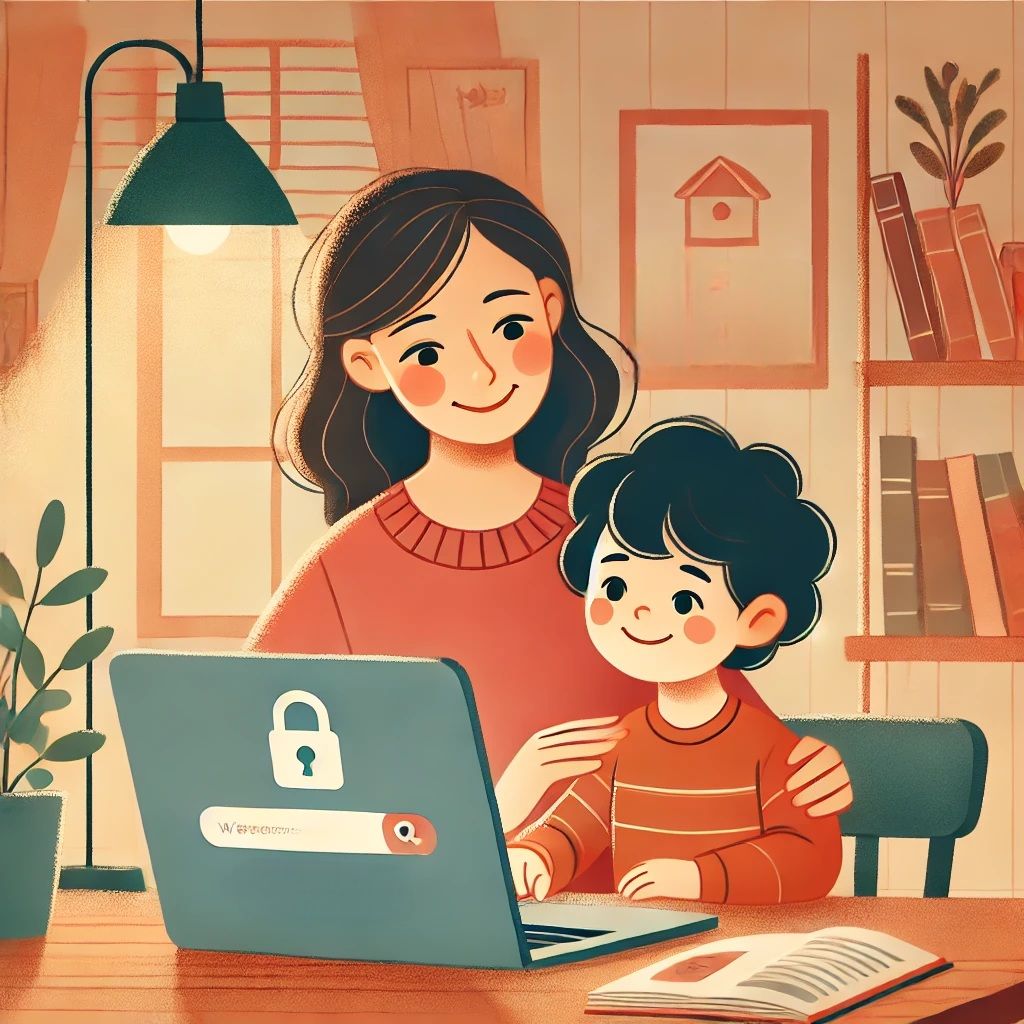
The internet is like a sprawling, glittering city—packed with many wonders, but not without its pitfalls. Among the gleaming skyscrapers of knowledge, there are dark alleyways of misinformation, waiting to trip up the unwary. For families with children who have Additional Learning Needs (ALN), this maze of information can feel even more bewildering. But here’s the thing: by teaching your child to navigate this digital jungle, you’re handing them a compass they can carry for life.

Let’s dive into how you can ensure your family explores the internet safely, armed with practical tools, and a splash of savvy awareness.


Why Website Authenticity Deserves Your Attention

The internet isn’t just a tool; it’s a lifeline. It connects us, teaches us, and entertains us—but it can also mislead us. Ever clicked on a site that looks polished but turns out to be as flimsy as a cardboard castle? Frustrating, right? Now imagine your child encountering that while working on their homework or looking up something important.

For children with ALN, this challenge is magnified. They might struggle with overly complex language or get overwhelmed by cluttered layouts. That’s why helping them recognise reliable websites isn’t just a nice-to-have—it’s a superpower. For when they learn to spot the good from the dodgy, they grow in confidence and independence. And isn’t that what we all want for our kids?


Tools and Tricks to Assess a Website’s Credibility

Here’s the fun bit: with a few simple checks, you can teach your child to spot a reliable website faster than you can say “clickbait.”

1. Start with the URL
A website’s address is its digital calling card. Secure sites start with “https://” —that little ‘s’ stands for secure. If the URL is peppered with odd spellings or unfamiliar endings (like “.biz” or “.xyz”), it’s worth being extra cautious. Although many of these sites are legitimate, the uncommon domain endings seem to be favoured by those less scrupulous.

2. Who’s Behind the Curtain?
Legitimate websites don’t hide in the shadows. They’ll proudly display an “About Us” section, offer contact details, and share their mission. If a site feels like it’s playing hide-and-seek with its identity, that’s a big red flag.

3. The Fact-Checker’s Toolkit
Trust but verify. Tools like Snopes or FactCheck.org are fantastic for debunking fake stories. And don’t underestimate the power of Google’s reverse image search—it’s like a magnifying glass for dodgy visuals. Even carrying out the basics of spell checking or grammar checking a website can help.


Making it Work for ALN Families

Here’s the heart of it: this isn’t just about facts and figures. It’s about creating a safe, empowering space where your child can explore the online world without fear. Start small—create a bookmark folder of trustworthy sites like BBC Bitesize or National Geographic Kids. Walk through the steps with them, and let them see you practising what you preach.

And don’t forget, it’s OK to make it fun! Turn it into a game: “Spot the Scam Site” or “Be a Digital Detective.” The more engaging the process, the more likely it is to stick.


The Big Picture

Teaching children with ALN to assess website authenticity is about more than avoiding the odd dodgy site. It’s about equipping them with critical thinking skills, building their confidence, and giving them the freedom to explore the digital world safely.

The internet might be a maze, but with the right tools, it can also be a treasure map—leading to learning, growth, and endless curiosity. So, let’s raise a generation of savvy surfers who know how to navigate the waves, no matter how choppy they get.

What are your go-to strategies for staying safe online? Share your tips in the comments below—I’d love to hear from you!

Unlocking Potential with Minecraft: How the Blocky World Supports ALN and Beyond

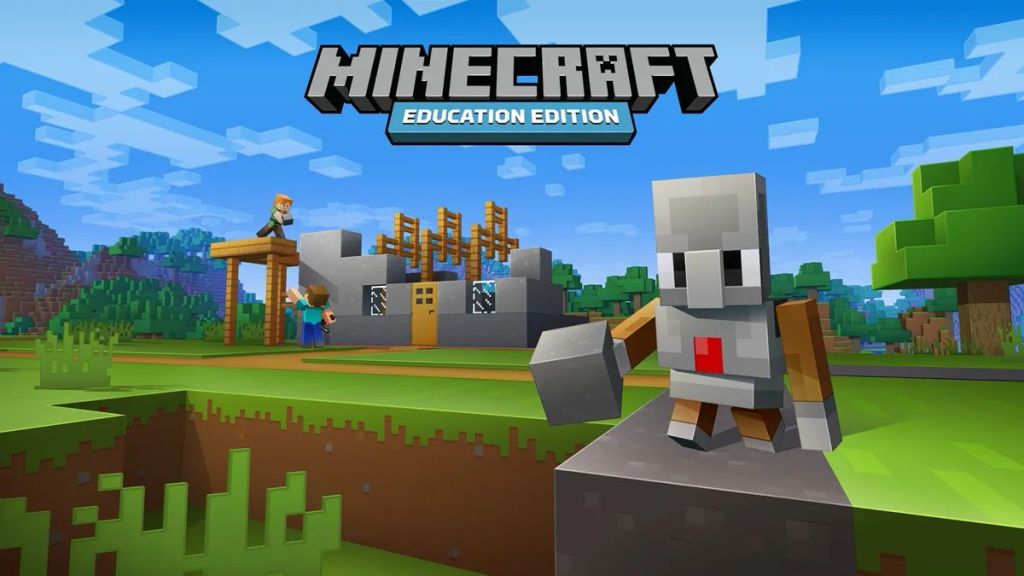
(Image Credit: Minecraft)

Minecraft isn’t just another video game—it’s a springboard for creativity, collaboration, and personal growth. It sparks pure magic. Whether you’re piecing together towering castles or coding intricate Redstone contraptions, this ever evolving sandbox world offers powerful opportunities for children with Additional Learning Needs (ALN) to explore, gain confidence, and—most importantly—have fun doing it all at their own pace.


Minecraft is for Everyone: Different Modes, Different Styles

One of Minecraft’s greatest gifts is its ability to adapt to each player’s preferred style, thanks to an array of modes that cater to different experiences. It’s all about personal choice. In Creative Mode, you can freely design floating mansions with no resource constraints. Whereas in Survival Mode, it challenges you to gather materials, ward off mobs, and savor the thrill of staying alive—an especially empowering journey for ALN kids who blossom with each small victory.  On the Minecraft Marketplace,  there are lots of maps available that take advantage of Adventure Mode, adding puzzle-like structures for story-driven maps. Spectator Mode allows curious minds to roam unseen through existing worlds, soaking in the sights without the pressure of active play.

From my own family’s perspective, Fletchy prefers to play in Creative Mode. Constructing different types of buildings, usually with piston driven secret rooms. Even when playing some of the adventure maps, he prefers to be in Creative Mode, adding his own flair to the existing map. His building has improved so much over the years, now including basic Redstone elements.

My eldest son, Cooper, prefers the struggle of Survival Mode. Spending hours grinding away & mining to gather up the resources he needs for a buld he’s got planned.

The versatility of Minecraft is what makes the game special.


ALN-Friendly Gaming: How Minecraft Helps Kids Thrive

For children with ALN, Minecraft can become a catalyst for learning, communication, and self-esteem improvement. It can change everything. By teaming up in multiplayer sessions or tackling mini-projects side by side, kids practice working together—whether that means building a cozy farming village or defending each other from sneaky skeletons. The open-ended nature of this blocky playground also encourages personal expression, as youngsters sculpt their wildest ideas into virtual reality. And if you’re concerned about safety? Parents and educators can craft private worlds or moderated servers/realms, ensuring a stress-free, inclusive experience that meets kids right where they are.

Minecraft has also helped Fletchy thrive in the classroom, enabling him to interact with the other kids (Non ALN) on a more even keel. Through his playing of the game, he has gained, and more importantly, maintained knowledge of the mechanics of the game environment. So much so, he is one of the class’s digital leaders specialising in Minecraft. Helping his school friends with the basics of logging in up to helping them with basic redstone skills.


The Cognitive and Educational Side of Minecraft

You might be surprised at just how rich in educational value Minecraft truly is. It’s mind-boggling. Working out resource management in Survival Mode or designing complex Redstone contraptions fosters crucial problem-solving and planning skills, while navigating expansive biomes boosts spatial awareness—skills that seamlessly transfer to tasks like organizing a backpack or tackling geometry homework. Plus, Minecraft Education Edition makes it official: students can experiment with chemistry, physics, and even coding languages like Python in a way that feels more like playtime than heavy-handed instruction.

I remember the first time my kids introduced me to Minecraft Education Edition. They’d always loved regular Minecraft at home but had started using Education Edition in school. But once they showed me, I discovered they could actually learn coding, solve STEM challenges, and even dabble in some digital chemistry. My eyes lit up like Redstone torches! It reminded me of those epic classroom experiments you see in sci-fi anime—only with way fewer explosions.

What really blew my mind was watching the endless possibilities appear in front of my children’s eyes. Improving their critical thinking and developing their sense of cause & effect.

In Wales, we’re pretty lucky because Minecraft Education Edition is free through the Welsh Government’s Hwb Portal. Yup, no hidden fees, and you get to introduce your kids (or students) to a whole new realm of exploration—all without opening your wallet. If you haven’t already poked around the Hwb portal, I highly recommend checking it out. It’s like unlocking a treasure chest full of educational gold.

I’ve heard so many awesome stories from both teachers & students using Minecraft Education Edition to spark discussions about everything from geometry to history. Picture your students building a medieval castle to explore feudal systems—or coding a robot to navigate mazes and collect items, fueling interest in computer science. Whether you’re in a traditional classroom or homeschooling, Minecraft helps those curious little minds thrive, no matter their learning style.

To learn more about how to integrate the game into your lessons, hop over to the official Minecraft Education website. You’ll find tons of free lesson plans, STEM challenges, and even how-tos for making the most of that beautiful blocky universe.

If your kids (or maybe you, let’s be honest) are itching to try out something that’s fun yet educational, Minecraft Education Edition is the ultimate digital playground. Have you tried it yet? Let me know your best classroom or home-school stories—I’m dying to hear how others are bringing Minecraft magic into their learning adventures!


A Game that Grows with You

One of Minecraft’s biggest strengths is its ability to evolve alongside the player, welcoming everyone from beginners to seasoned crafters. That’s a comforting truth. Children might start by building whimsical cottages in Creative Mode, then gradually move on to unraveling advanced Redstone puzzles or even exploring the basics of coding—an empowering progression for ALN learners who often flourish in environments where self-paced challenges lead to tangible accomplishments. Watching Fletchy and Cooper transform from novice builders into bold adventurers has shown me that each milestone reveals new interests and hidden talents, all while keeping the fun front and center.


Conclusion

Ultimately, Minecraft dismantles the wall between education and entertainment by giving kids of all backgrounds the chance to discover, create, and bond in a supportive, block-filled realm. It’s a game worth exploring. Whether you’re a parent hoping to encourage your child’s growth or an educator seeking innovative ways to spark curiosity, this dynamic universe has something for everyone. Why not embark on your own Minecraft adventure and see firsthand how these digital cubes can bring families together, boost confidence in ALN learners, and transform everyday play into an unforgettable learning experience?

I’ve lost count of the times I’ve watched my kids light up when they finish their ideal build or by outsmarting those pesky mobs. In moments like these, I’m reminded that Minecraft isn’t just about building cool structures—it’s about building confidence and sparking curiosity. Whether you’re experimenting with Redstone or bonding over a quick build session, the possibilities are limitless. I’d love to hear your Minecraft stories—share a memorable moment or a favourite creation in the comments, and let’s celebrate the power of pixelated inspiration together!

🥳 Happy 2025 from Cwtch & Code 🥳

As we move into the new year, I wanted to take a moment to look back and share a little about what’s ahead for Cwtch & Code. 2024 was an incredible start, filled with exploration into how AI can support children with Additional Learning Needs (ALN), personal moments with my family, and plenty of cups of green tea to keep the ideas flowing.

Looking Back on 2024

The past year has been all about growth—both in learning how technology can enhance lives and in my own understanding of how compassion and innovation can come together. A standout moment for me was introducing “Jeremy,” our family’s AI friend, who has become an unexpected ally in supporting my son Fletchy. It’s these small moments using powerful tools that inspired me to share more on this blog.

Excited for 2025

This year, Cwtch & Code will dive deeper into the intersection of tech and ALN support. Expect posts on:

Practical ways to use AI in family life and education.

Reviews of tools and apps designed for children with ALN.

Stories and tips from my personal journey using tech as a parent and IT Engineer.

A Question for You

I’d love to hear from you: What topics are you most interested in for 2025? Are there tools, technologies, or challenges you’d like me to explore? Let me know in the comments or via email. This blog is as much about sharing as it is about learning together.

Here’s to the Year Ahead

So, let’s raise a metaphorical glass of bubbly (or your favorite mug of tea!) to a year of compassion, innovation, and, of course, a cwtch for every learner. I can’t wait to see where 2025 takes us.

Wishing you all a happy and healthy New Year!

Diolch,
Carl

🎄 Happy Holidays from Cwtch & Code 🎄

As we kick off this exciting new journey, we’re filled with gratitude for the opportunity to share ideas, stories, and innovations that make life a little brighter and more connected.

This holiday season, we’re celebrating the spirit of community, learning, and a touch of tech magic. Whether you’re here for ALN insights, coding tips, or just a cozy read, we’re excited to have you along for the ride as we grow.

From our family to yours, we wish you a festive season full of joy, peace, and all the cwtches you could ask for! Here’s to a bright and inspiring year ahead where compassion and creativity take center stage.

Stay cozy, stay curious, and let’s build something amazing together.
With warmth and gratitude,
The Cwtch & Code Team ❤️